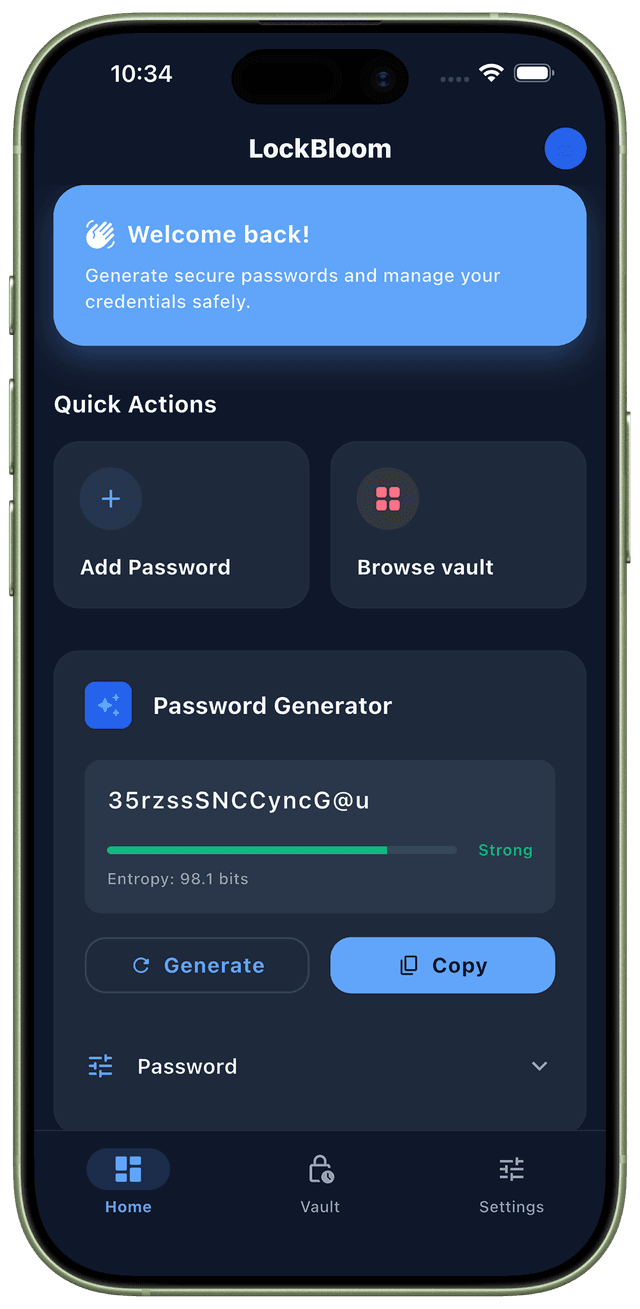
Experience True Simplicity
A password manager that feels invisible. Powerful security wrapped in an elegant interface.
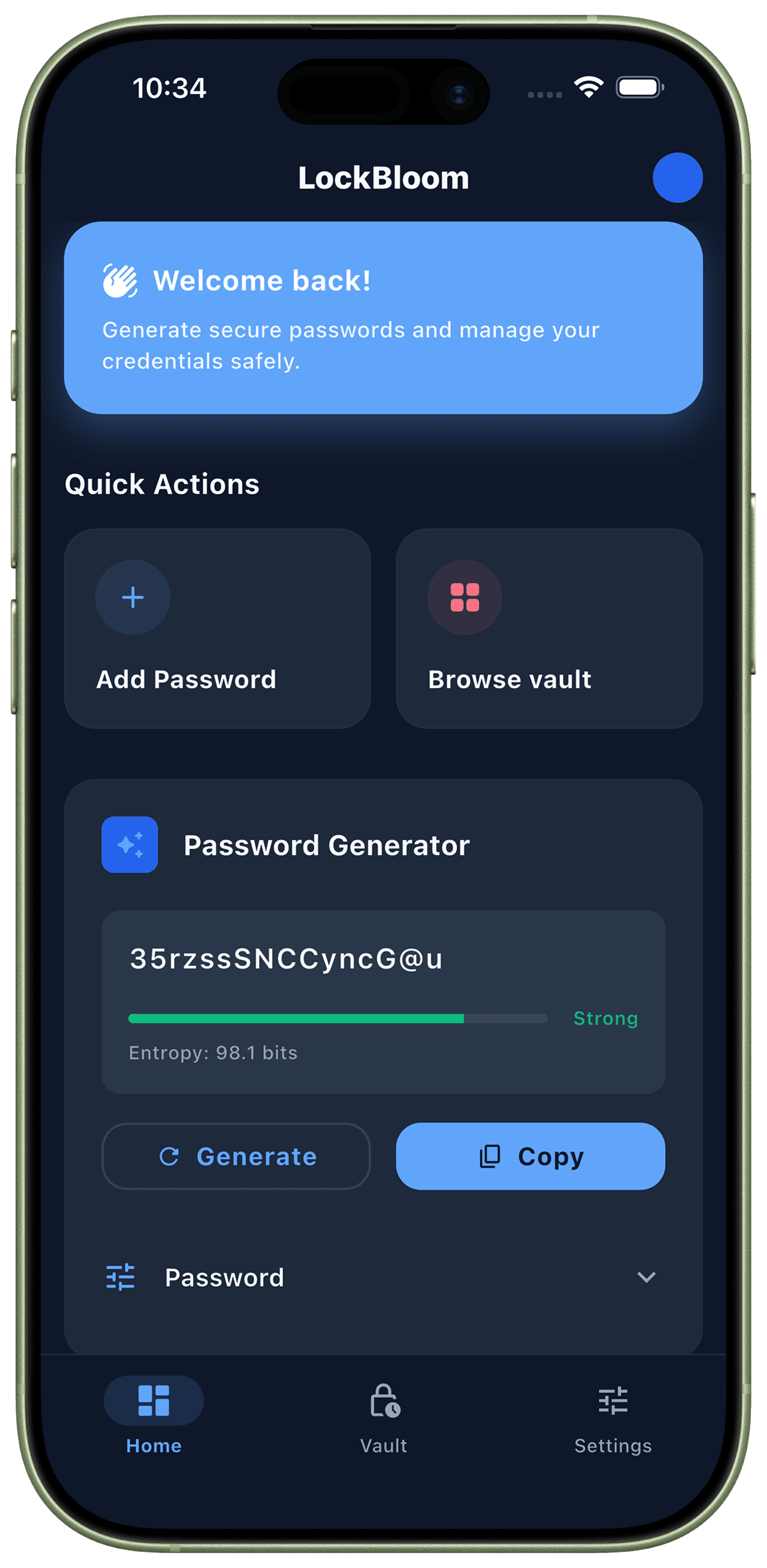
Intuitive Design
No complex menus or confusing settings. Everything you need is right where you expect it to be.
Seamless Biometrics
Authenticate instantly with Face ID or Fingerprint. Quick access without compromising security.
Smart Organization
Automatically categorize your logistical life. Passwords, notes, and cards are sorted for easy retrieval.
Built for Security
Every feature designed with your privacy and security as the top priority.
AES-256-GCM Encryption
Military-grade encryption ensures your passwords are protected with the same security used by governments worldwide.
Biometric Authentication
Unlock with fingerprint or Face ID. PIN fallback ensures access even without biometrics.
100% Offline Storage
Zero cloud dependency. Your data never leaves your device. Complete privacy, complete control.
Zero-Knowledge Architecture
We can't access your data even if we wanted to. True privacy by design.
Secure Password Generator
Create cryptographically secure passwords with customizable strength and complexity.
Encrypted Export/Import
Migrate between devices securely with encrypted backup files that only you can decrypt.
Military-Grade Security
The same encryption technology trusted by governments and financial institutions.
256-bit Encryption Keys
Industry-leading encryption strength
PBKDF2 Key Derivation
100,000 iterations for maximum security
Platform Secure Storage
Android Keystore & iOS Keychain integration
Memory Protection
Sensitive data cleared from memory
Auto-Lock Timer
Configurable timeout for automatic locking
Secure Clipboard
Auto-clear clipboard after copying passwords
Open Source & Auditable
Complete transparency with publicly available source code. Security experts and developers can audit every line of code to verify our security practices. No hidden backdoors, no secrets - just pure, verifiable security.
Audit the CodeFrequently Asked Questions
Everything you need to know about LockBloom
Why choose LockBloom over cloud-based password managers?
How secure is AES-256-GCM encryption?
Can I access my passwords on multiple devices?
What happens if I forget my master password?
Is LockBloom open source?
Does LockBloom work without internet?
Ready to Secure Your Digital Life?
Join users who trust LockBloom to keep their passwords safe. Download now and experience true security.
Get LockBloom